



Grok ImagineAI Image Generator
Fast, high-fidelity image and video generation with precise text rendering.
Grok Imagine is xAI's multimodal generator, tuned for speed without sacrificing detail. It renders legible in-image text, handles complex prompts, and works across image and video — text-to-image, image editing, text-to-video, and image-to-video — from one model family. Typical image results return in about 10 seconds.
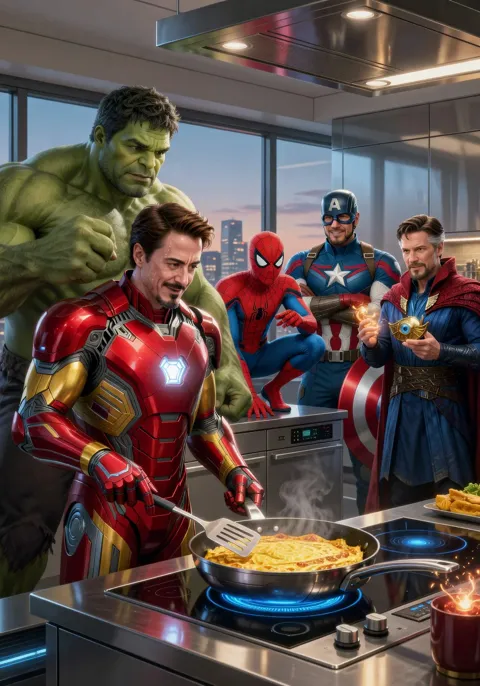
Made with Grok Imagine


A slow camera move toward a cup
Generated in Make It Gen on November 4, 2026. Grok Imagine, text to video, 5 seconds, 16:9, 720p. No source image.
A plain white ceramic cup sits on a wooden table beside a window. Steam rises gently from the cup. The camera slowly moves closer in one continuous shot. Soft morning light, realistic texture.
The result shows rising steam and a progressively tighter view of the cup. The final framing crops the cup more than the opening. If you need the whole object visible, specify that in your next prompt and check the new result.
One generated result, not a model comparison. The web copy is resized and has no audio. Repeating the prompt can produce a different clip.
Read the prompt breakdown and review checklistChoose a Grok Imagine workflow
Choose your starting material and the kind of result you want to create with Grok Imagine in Make It Gen.
Start with a written description for an image.
Select Grok Imagine in the tool, or use the model buttons above.
Upload an image and describe the change you want to explore.
Select Grok Imagine in the tool, or use the model buttons above.
Describe a scene and the movement you want in a video.
Select Grok Imagine in the tool, or use the model buttons above.
Upload a starting image and describe how it should move.
Select Grok Imagine in the tool, or use the model buttons above.
Capabilities
Example prompts
A neon-lit Tokyo street at night, cinematic, shallow depth of field
Product shot of a matte-black wireless earbud on a marble surface, studio lighting
A storefront sign that reads "MAKE IT GEN" in bold retro lettering
Frequently asked questions
What is Grok Imagine best at?
Fast image generation with accurate in-image text and strong prompt adherence, plus video from the same model family.
How fast is Grok Imagine?
Image generations typically return in around 10 seconds.
Can Grok Imagine make videos?
Yes — it supports both text-to-video and image-to-video in addition to image generation and editing.
More models
View all →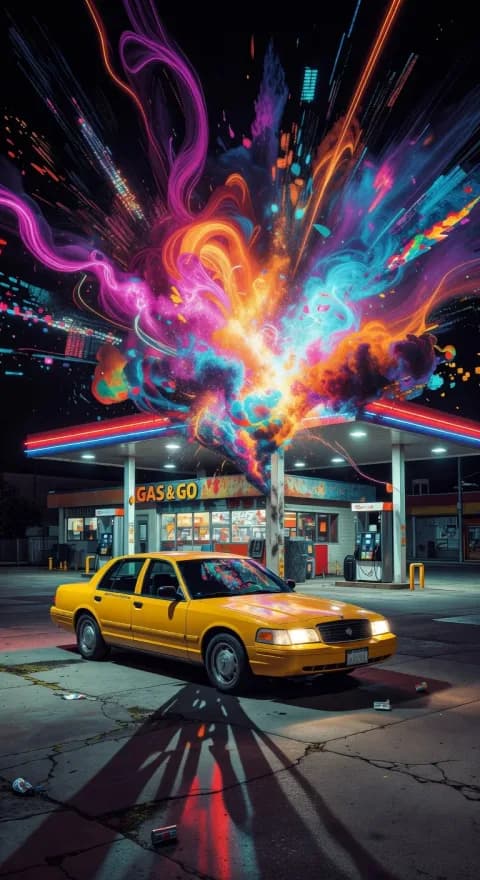

Wan 2.7
Alibaba's high-fidelity generator at 1K resolution with strong prompt fidelity across image and video.
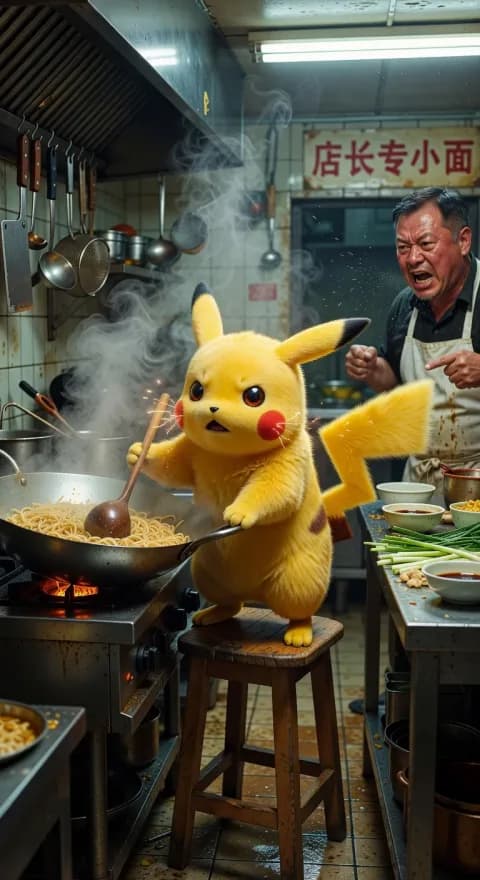

Nano Banana 2
Ultra-high-quality image generation and editing with advanced text rendering and multi-language support.
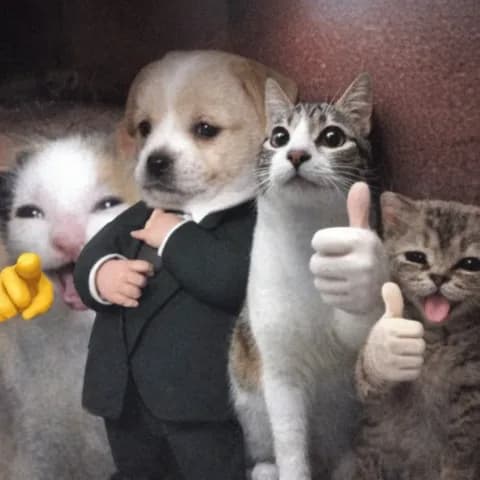

Z-Image Turbo
Sub-second image generation with bilingual text rendering from a 6B-parameter model.
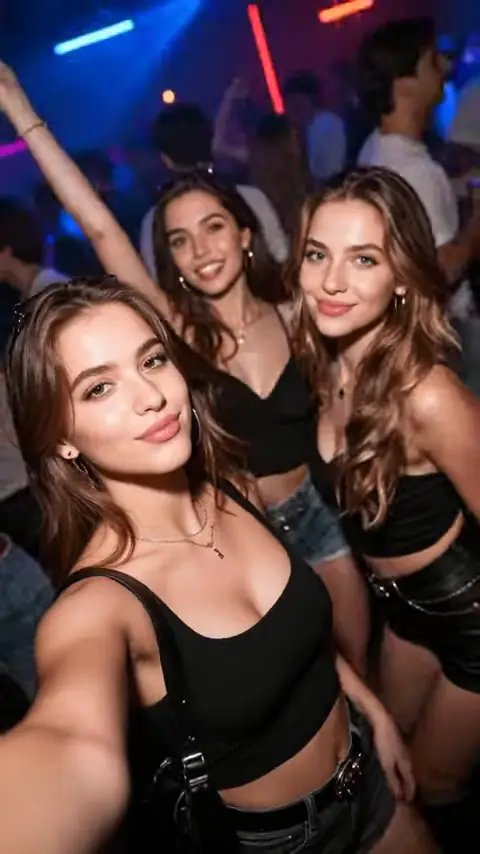

PixVerse V5.6
Studio-grade video generation with 20+ camera controls and significantly fewer artifacts.
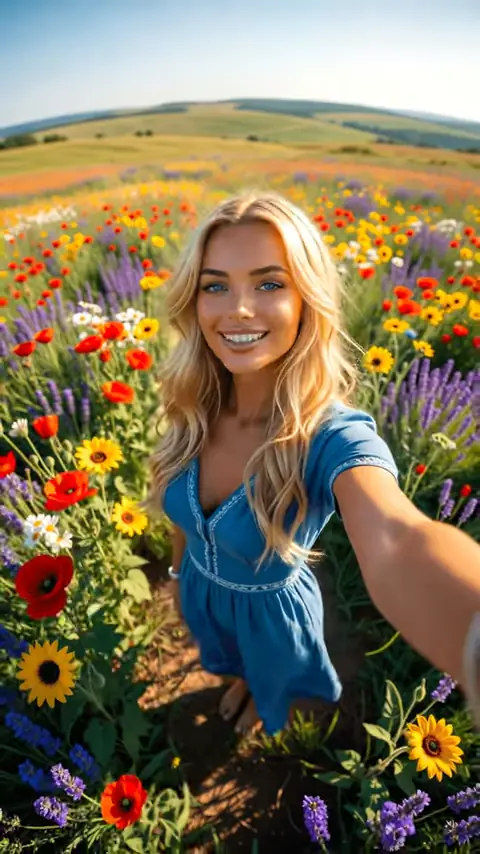

Kling O3
Cinematic 1080p video with native audio sync and multi-shot storyboarding.
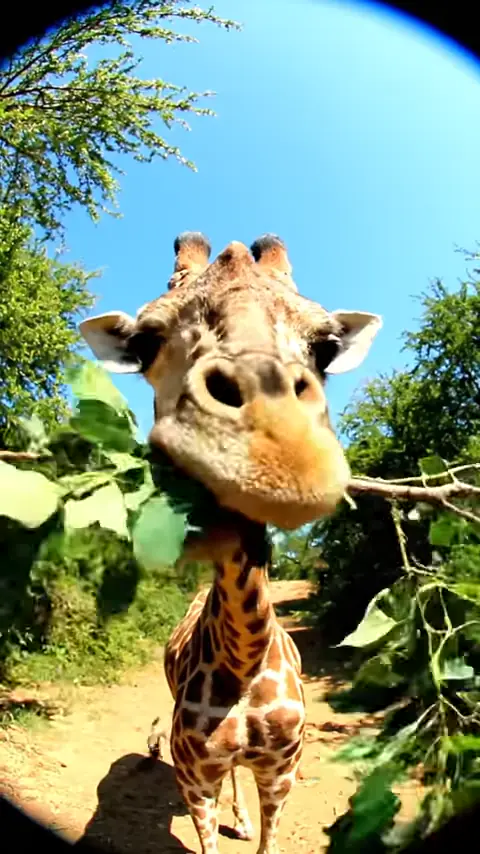
SuperMotion
Two-stage text-to-video: a photoreal first frame followed by smooth Wan 2.2 motion.