
makeitgen
makeitgen

AI images, video, and music — for every creator. No design skills required.

Image

  • Image Generator
  • Image to Image
  • Enhance

Video

  • Video Generator
  • Image to Video
  • First–Last Frame

Discover

  • Models
  • Music
  • Apps

Company

  • Pricing
  • Terms
  • Privacy

© 2026 makeitgen

support@makeitgen.com
makeitgen
AI Image
AI Video
AI Music
makeitgen
AI Music

Features

Text to ImageImage to ImageUpscaleRemove Background

Models

Wan 2.7
Wan 2.7

Grok Imagine
Grok Imagine

High fidelity

Z-Image Turbo
Z-Image TurboPRO

Ultra-fast

PixelPerfect
PixelPerfectPRO

Moody aesthetic

Nano Banana 2
Nano Banana 2

Ultra quality

HyperRealism
HyperRealism

Hyper-realistic

Features

Text to VideoImage to VideoFirst & Last Frame

Models

Grok Imagine
Grok Imagine

Cinema quality

PixVerse V5.6
PixVerse V5.6

Studio grade

Kling O3
Kling O3

Cinematic 1080p

SuperMotion
SuperMotionPRO

Video Studio

Three steps to your video

STEP 1
A drone shot gliding over a misty pine forest at sunrise, golden light cutting between trees, slow cinematic push-in, photoreal
16:95s127 / 1000
+ Cinematic+ Photoreal+ Slow-mo

Write your prompt

Type the shot, in plain English.

STEP 2
Text → VideoImage → Video7+ models
Kling O3
Premium · Smooth
20
Grok Imagine
Stylized · Quick
10
PixVerse V5.6
Studio · Sharp
12

Pick your model

7+ video models, billed by the second.

STEP 3

Generate

5–15 second clips, in any aspect ratio.

Why creators use MakeItGen.

Four ways our video studio works around the way you actually shoot.

Kling O3
Kling O3
Grok Imagine
PixVerse

Every model, one prompt.

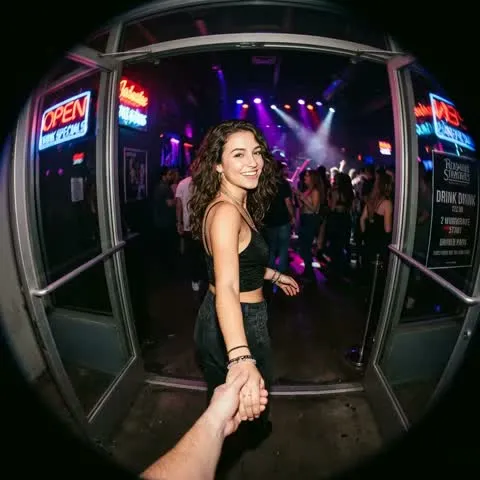
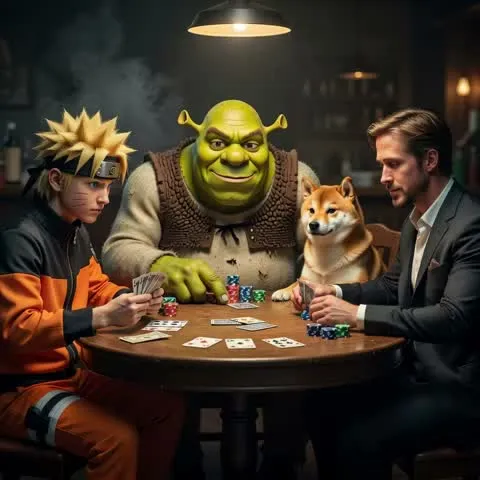
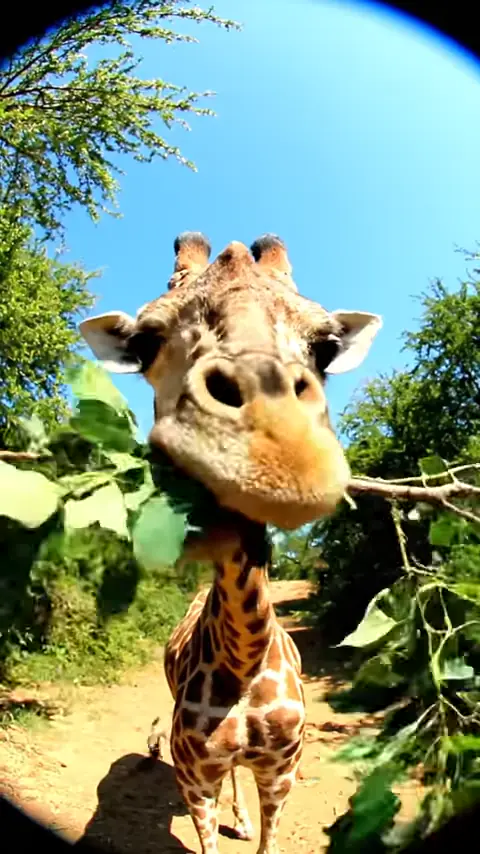
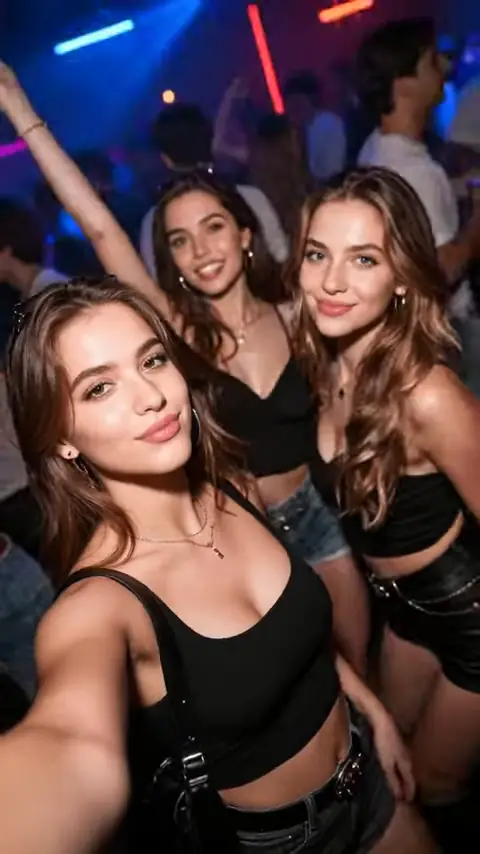
Pipe the same prompt through Kling, Grok, PixVerse and more — pick the winner without reshooting.
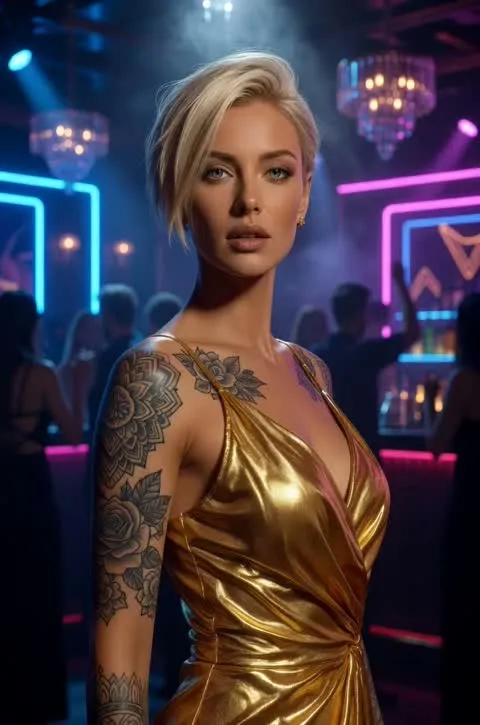
Animate a still
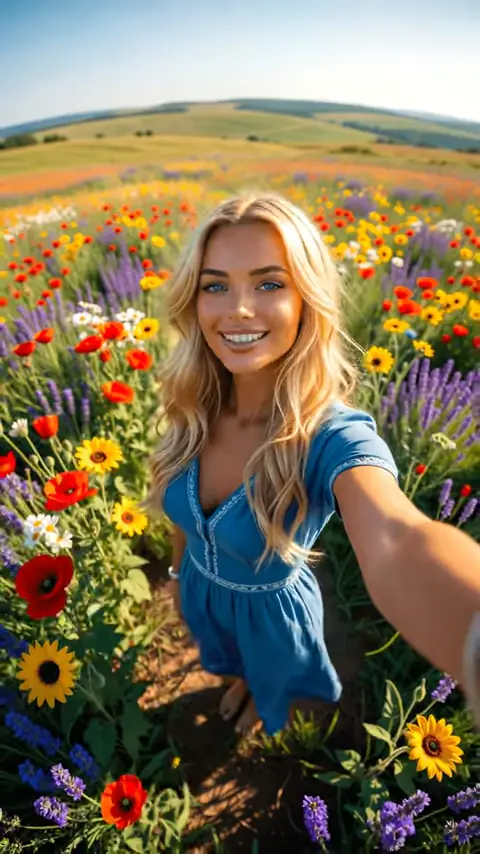
+ make her wave goodbyeRefine
Using as input

Start from a still.

Drop in any image, get it moving. Or upload first and last frames and let the model fill the gap.

9:16
1:1
16:9
Duration
5s8s10s15s

Any duration, any aspect.

Vertical, square, widescreen. From 5-second loops to 15-second cuts.

Models & price per secondcredits
Grok Imagine10
PixVerse V5.612
Kling O320

Bleeding-edge models, day one.

The newest video models plugged in the day they ship.

Got a shot in mind?

Pick a model, write the shot — your first clip is seconds away.

Learn more

Image to Video Animation

Bring any still image to life. Upload a photo or artwork, describe the motion you want, and the AI generates a smooth video clip with natural movement — no video editing experience needed.

How it works

1

Upload the image you want to animate.

2

Optionally add a motion prompt to guide how the scene should move.

3

Select an image-to-video model and generate your animated clip.
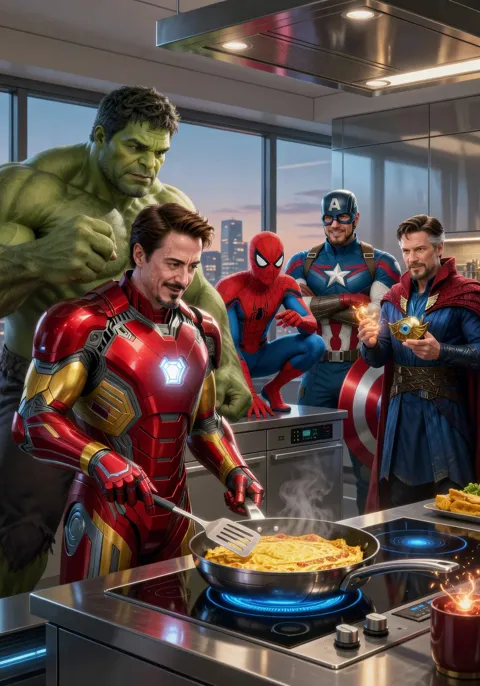
Explore our models

Grok Imagine

Fast, high-fidelity image and video generation with precise text rendering.

Text → ImageImage → ImageText → VideoImage → Video

Wan 2.7

Alibaba's high-fidelity generator at 1K resolution with strong prompt fidelity across image and video.

Text → ImageImage → ImageImage → Video

PixVerse V5.6

Studio-grade video generation with 20+ camera controls and significantly fewer artifacts.

Text → VideoImage → Video

Kling O3

Cinematic 1080p video with native audio sync and multi-shot storyboarding.

Text → VideoImage → Video

P-Video

Fast image-to-video with natural movement powered by Pruna-optimized inference.

Image → Video

Wan 2.2 I2V

Self-hosted Wan 2.2 A14B image-to-video for smooth 480p clips.

Image → Video

What you can make

Animating product photos for e-commerce or ads
Turning portraits into cinemagraphs
Adding atmospheric motion to landscape photography
Bringing illustration or concept art to life
Creating engaging social media content from static images

Frequently asked questions

What is image-to-video?
Image-to-video takes a still image as input and generates a short video clip by adding natural motion — camera movement, subject animation, or environmental effects — guided by your prompt.
Do I need a motion prompt?
A motion prompt helps guide the type of movement, but many models will add sensible motion automatically. Adding a short description (e.g. 'gentle breeze through trees') improves results.
Which image-to-video model is fastest?
P-Video uses Pruna-optimized inference for fast turnaround. Wan 2.2 I2V is a reliable baseline for smooth 480p clips. PixVerse V5.6 and Kling O3 prioritize quality over speed.
What resolution can I get from image-to-video?
Resolution varies by model: Wan 2.2 I2V outputs 480p, P-Video up to 720p, and Kling O3 up to 1080p. Choose based on your output quality needs.

Explore more tools.

Five more studios in the same shell — switch without switching tabs.

Image Studio — Static frames. 10+ models, batch up to 4.
01
Image
Image Studio
Static frames. 10+ models, batch up to 4.
AI Music — Full songs from a prompt. Vocals or instrumental.
02
Music
AI Music
Full songs from a prompt. Vocals or instrumental.
First & Last Frame — Connect two stills into one clip.
03
Video
First & Last Frame
Connect two stills into one clip.
Enhance Studio — Upscale images and remove backgrounds.
04
Utility
Enhance Studio
Upscale images and remove backgrounds.

AI VIDEOS,
FOR EVERY CREATOR.