First Frame
Last Frame
Loading your videos...
Please wait a moment
Provide two keyframe images — a starting frame and an ending frame — and the AI generates a seamless, cinematic video transition between them. No animation expertise required.
Upload your first frame (the opening image) and your last frame (the closing image).
Optionally add a prompt to guide motion style, camera movement, or pacing.
Generate the interpolated video and download the smooth cinematic clip.

Interpolate smooth, cinematic video between a start frame and an end frame.
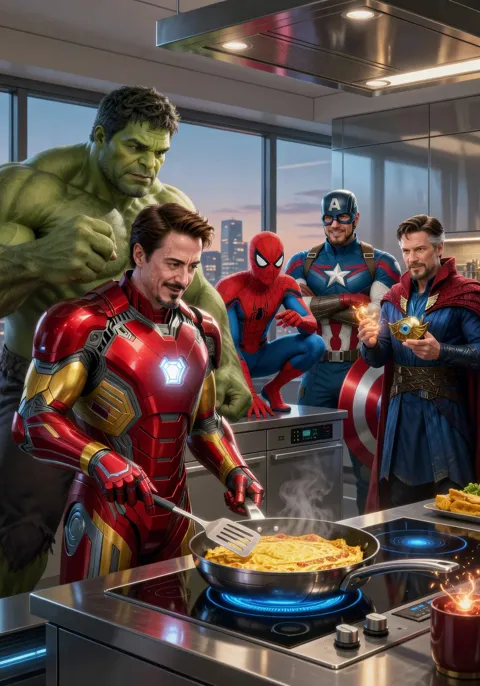

Fast, high-fidelity image and video generation with precise text rendering.


Alibaba's high-fidelity generator at 1K resolution with strong prompt fidelity across image and video.


Ultra-high-quality image generation and editing with advanced text rendering and multi-language support.


Sub-second image generation with bilingual text rendering from a 6B-parameter model.
Studio-grade video generation with 20+ camera controls and significantly fewer artifacts.


