makeitgen
makeitgen

AI images, video, and music — for every creator. No design skills required.

Image

  • Image Generator
  • Image to Image
  • Enhance

Video

  • Video Generator
  • Image to Video
  • First–Last Frame

Discover

  • Models
  • Music
  • Apps

Company

  • Pricing
  • Terms
  • Privacy

© 2026 makeitgen

support@makeitgen.com
makeitgen
AI Image
AI Video
AI Music
makeitgen
AI Music

Features

Text to ImageImage to ImageUpscaleRemove Background

Models

Wan 2.7
Wan 2.7

Grok Imagine
Grok Imagine

High fidelity

Z-Image Turbo
Z-Image TurboPRO

Ultra-fast

PixelPerfect
PixelPerfectPRO

Moody aesthetic

Nano Banana 2
Nano Banana 2

Ultra quality

HyperRealism
HyperRealism

Hyper-realistic

Features

Text to VideoImage to VideoFirst & Last Frame

Models

Grok Imagine
Grok Imagine

Cinema quality

PixVerse V5.6
PixVerse V5.6

Studio grade

Kling O3
Kling O3

Cinematic 1080p

SuperMotion
SuperMotionPRO

Image Studio

Generated
Generated
Generated
Generated
Generated
Generated
Generated
Generated
Generated
Generated
Generated
Generated
Generated
Generated
Generated
Generated
Generated

Three steps to your image

STEP 1
A bullet-time shot of a cyberpunk cat leaping through neon rain, droplets frozen mid-air, glowing wet pavement, cinematic motion blur, deep purple and acid-green palette
1:1×4187 / 2000
+ Cinematic+ 8K+ Bokeh

Write your prompt

Type what you want, in plain English.

STEP 2
AllFastPhoto10+ models
Grok Imagine
Vivid · Cinematic
5
Nano Banana
Photoreal · Sharp
8
Z-Image Turbo
Fast · Clean
2

Pick your model

Choose from 10+ models tuned for different styles.

STEP 3

Generate

Get up to 4 images at once, in any aspect ratio.

Why creators use MakeItGen.

Four ways our generator works around the way you actually iterate.

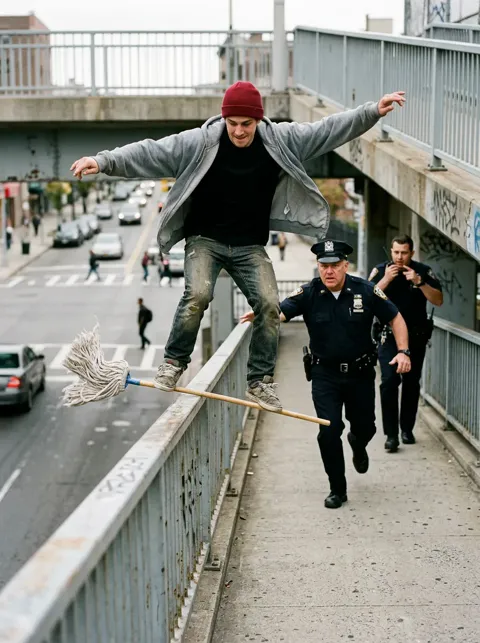
Grok Imagine sample
Grok Imagine
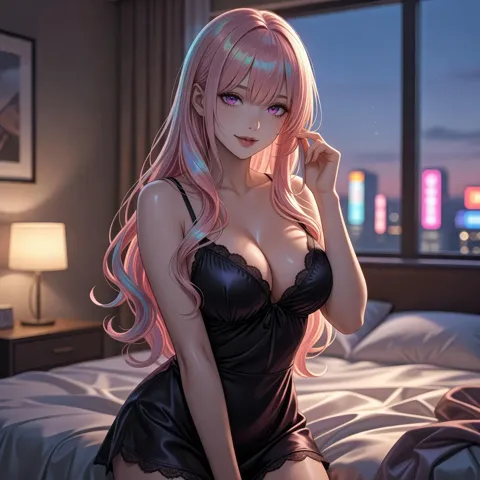
Z-Image Turbo sample
Z-Image Turbo
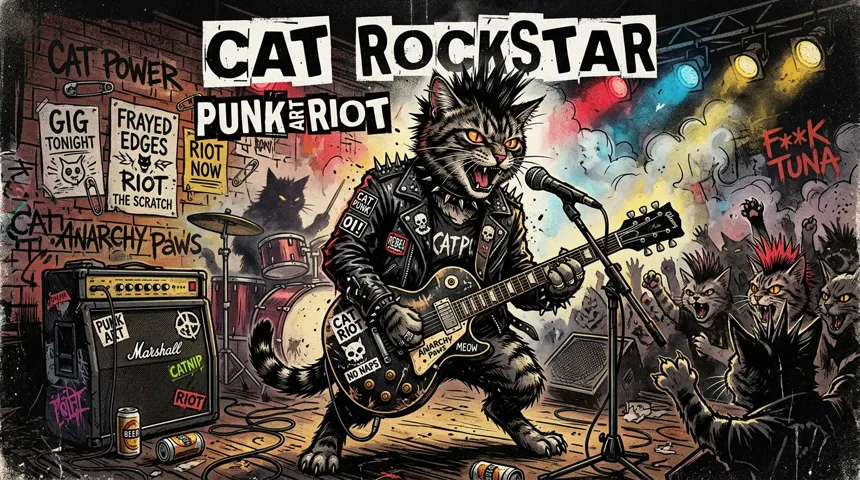
Nano Banana sample
Nano Banana
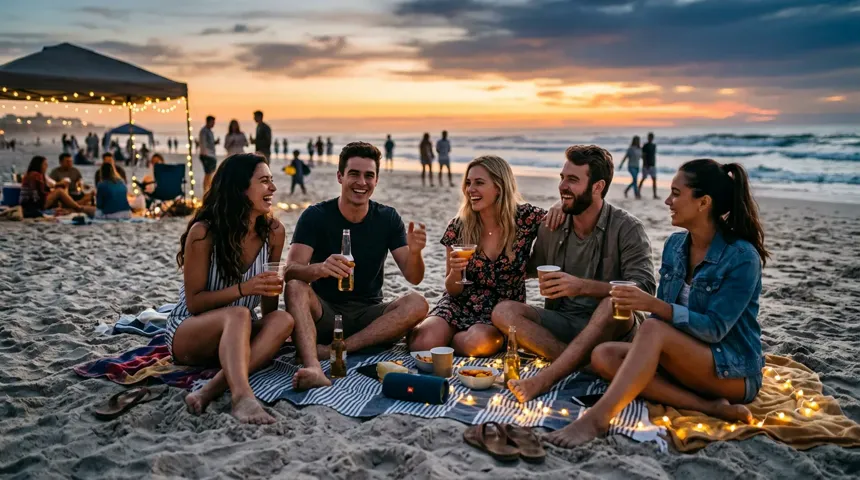
Grok Imagine sample
Grok Imagine

Every model, one prompt.

Pipe the same prompt through Grok, Nano Banana, Z-Image and more — pick the winner without leaving the page.
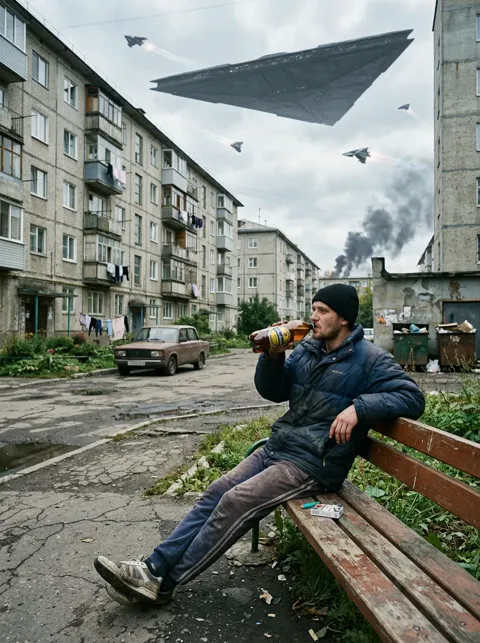
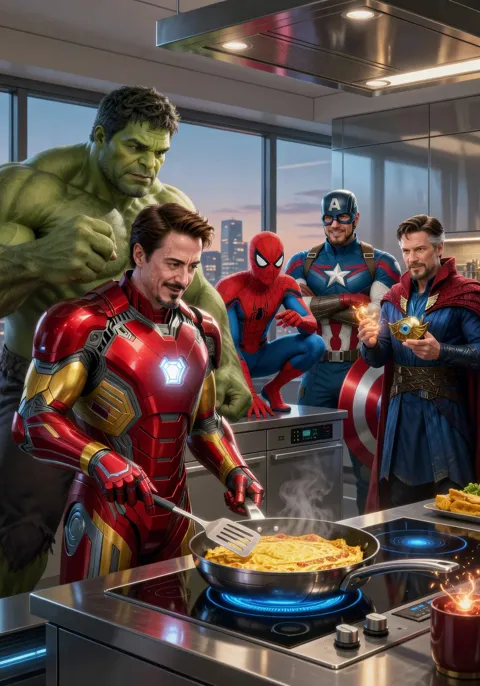
Refined image preview
+ make the explosion neon violetRefine
Using as input

Edit, don't restart.

Send any output back as input. Refine instead of rerolling from scratch.

9:169:16
1:11:1
16:916:9
Batch size
1234

Any aspect, any batch.

Square, portrait, landscape, widescreen. One image or four at once.

Models & price per runcredits
Grok Imagine5
Nano Banana8
Z-Image Turbo2

Bleeding-edge models, day one.

The newest releases plugged in the day they ship.

Got something to make?

Pick a model, write a prompt — your first image is seconds away.

Learn more

Text to Image Generation

Turn any written idea into a polished visual in seconds. Describe what you want to see, choose your model, and the AI takes care of the rest — no design skills required.

How it works

1

Write a text prompt describing your subject, style, lighting, and mood.

2

Select a text-to-image model that matches your quality or speed requirements.

3

Click Generate and receive your image, ready to download or refine.

Explore our models

Grok Imagine

Fast, high-fidelity image and video generation with precise text rendering.

Text → ImageImage → ImageText → VideoImage → Video

Wan 2.7

Alibaba's high-fidelity generator at 1K resolution with strong prompt fidelity across image and video.

Text → ImageImage → ImageImage → Video

Nano Banana 2

Ultra-high-quality image generation and editing with advanced text rendering and multi-language support.

Text → ImageImage → Image

Z-Image Turbo

Sub-second image generation with bilingual text rendering from a 6B-parameter model.

Text → Image

PixVerse V5.6

Studio-grade video generation with 20+ camera controls and significantly fewer artifacts.
Text → VideoImage → Video

Kling O3

Cinematic 1080p video with native audio sync and multi-shot storyboarding.

Text → VideoImage → Video

What you can make

Marketing and social media visuals
Concept art and mood boards
Product mockups and prototypes
Blog post illustrations
Personal creative projects

Frequently asked questions

What is text-to-image generation?
Text-to-image generation is an AI process that converts a written description (a prompt) into a visual image. You describe what you want and the model renders it.
How detailed should my prompt be?
More detail generally improves results. Include subject, style, lighting, color palette, and mood. For example: 'A ceramic mug on a wooden table, morning light, warm tones, minimalist photography.'
Which text-to-image model should I choose?
Z-Image Turbo delivers sub-second results for rapid iteration. Grok Imagine and Wan 2.7 balance speed with high fidelity. Nano Banana 2 prioritises ultra-high quality for detail-critical work.
Can I use generated images commercially?
All images generated on Make It Gen are yours to use, including for commercial purposes.

Explore more tools.

Five more studios share the same balance — switch without switching tabs.

Video Studio — Bring any image to life. Text-to-video and image-to-video.
01
Video
Video Studio
Bring any image to life. Text-to-video and image-to-video.
AI Music — Full songs from a prompt. Vocals or instrumental.
02
Music
AI Music
Full songs from a prompt. Vocals or instrumental.
Enhance Studio — Upscale images and remove backgrounds.
03
Utility
Enhance Studio
Upscale images and remove backgrounds.
First & Last Frame — Connect two stills into one clip.
04
Video
First & Last Frame
Connect two stills into one clip.

AI IMAGES,
FOR EVERY CREATOR.